 ™
Before you download
AI is an assistant
Every feature can be used directly with buttons. AI simply takes on multi-step tasks from a single request. You decide what to do. AI connection is off when you first install.
How we hope you'll use it
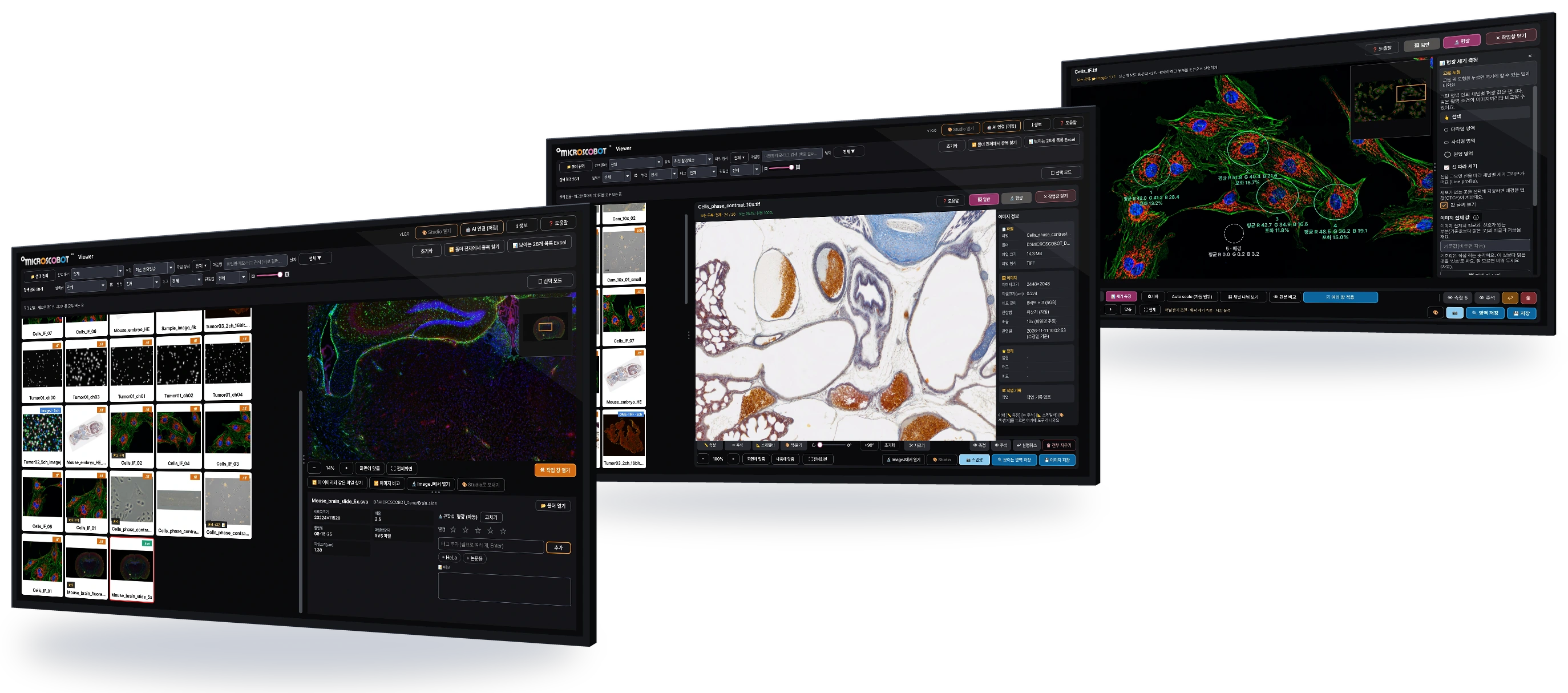
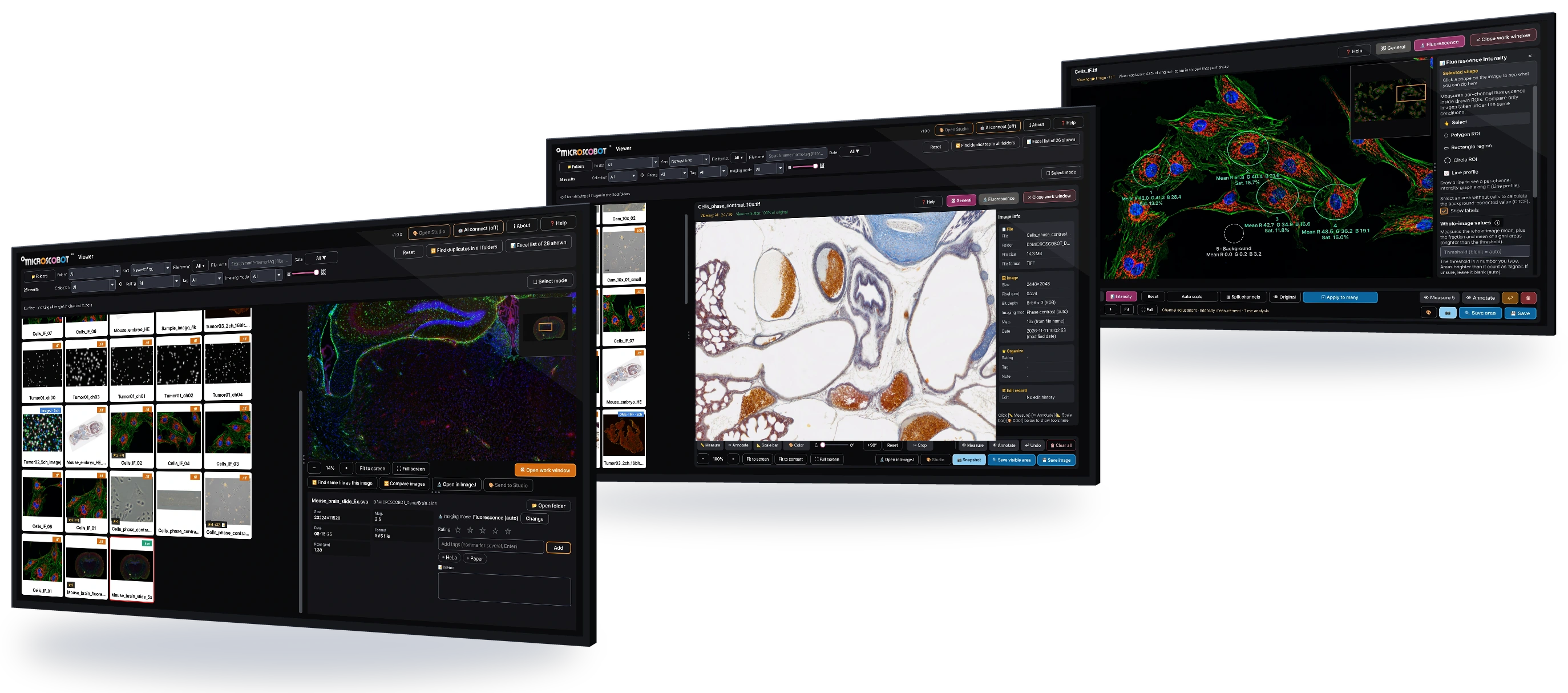
Find and organize microscope images scattered across folders in one place. Measure, compare, add scale bars and make copies for presentations while your originals stay as they are. Use it freely for research and teaching.
Our promises
- MICROSCOBOT Viewer is free
- No personal information collected
- Originals are never changed or deleted (every edit is a new copy)
- Images stay on your PC (even when you use AI, images are not sent)
Conditions of use
Free for everyone
- Free for everyone — students, teachers and individuals, schools, universities, institutes, hospitals and companies can use it for their own research, work, teaching and learning.
- You can install it on multiple PCs, and pass the unmodified installer directly to people you know (USB, e-mail, etc.).
- Images and results you make with Viewer are yours to use freely in papers, presentations and classes.
Not allowed without permission
- Selling the program, distributing a modified copy, or bundling it into other products
- Uploading it anywhere anyone can download it, such as another website, a file archive or a public link (public distribution is only on microscobot.com)
- Offering analysis done with it as a paid service
System requirements
Need a Mac version?
Every request helps us decide when to build a Mac version.



Need help?
Web manual
Look up how each feature works, with screenshots. Search for anything you're curious about.
Read the manual →
How-to videos on YouTube
Follow along with how-to videos, from installing to organizing and comparing images.
Watch on YouTube →We still have a lot to improve. If something feels inconvenient or doesn't work as expected, please let us know — we'll fix it, one step at a time.
If you run into any problem installing or using Viewer, let us know at [email protected].